




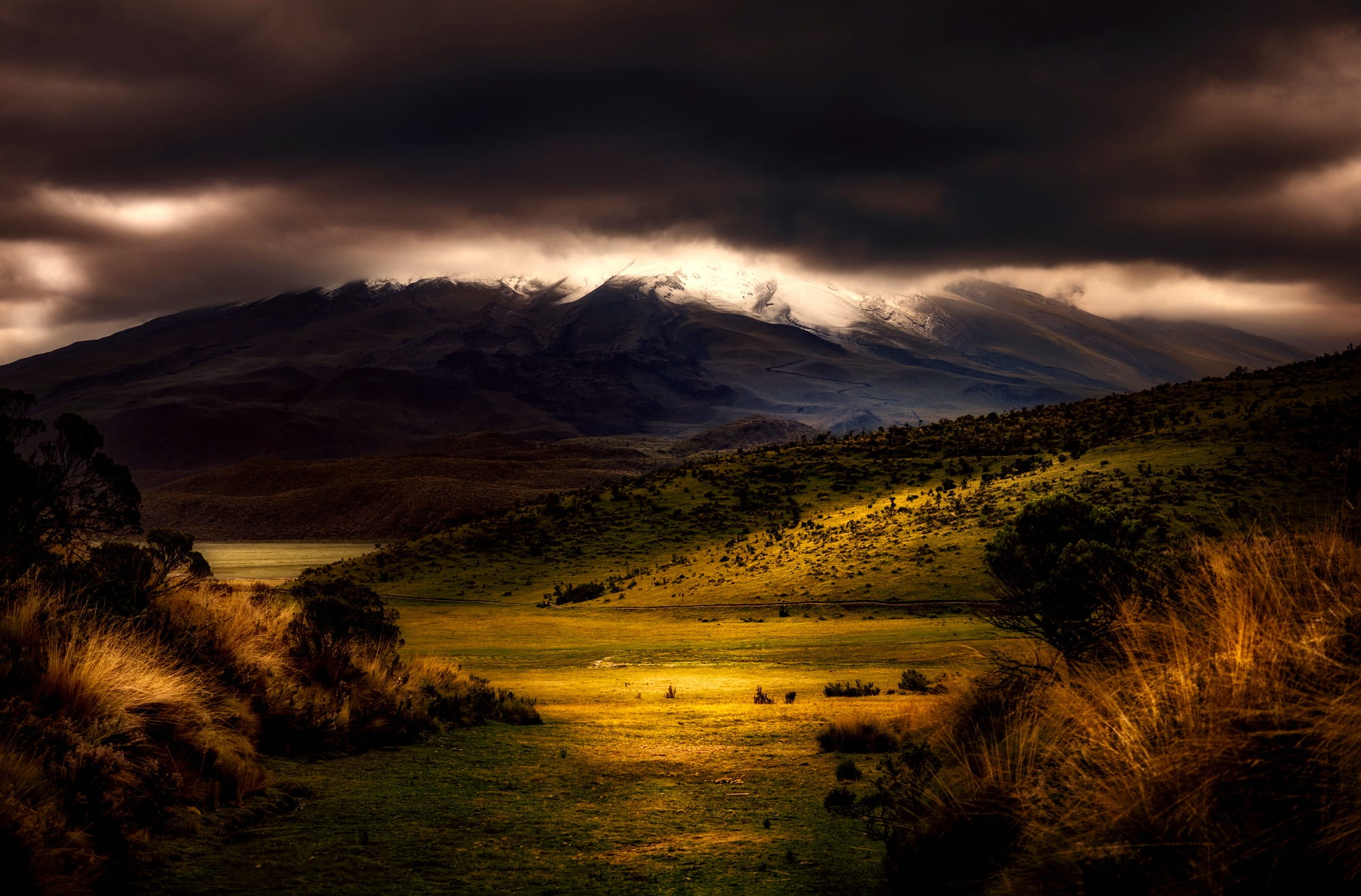
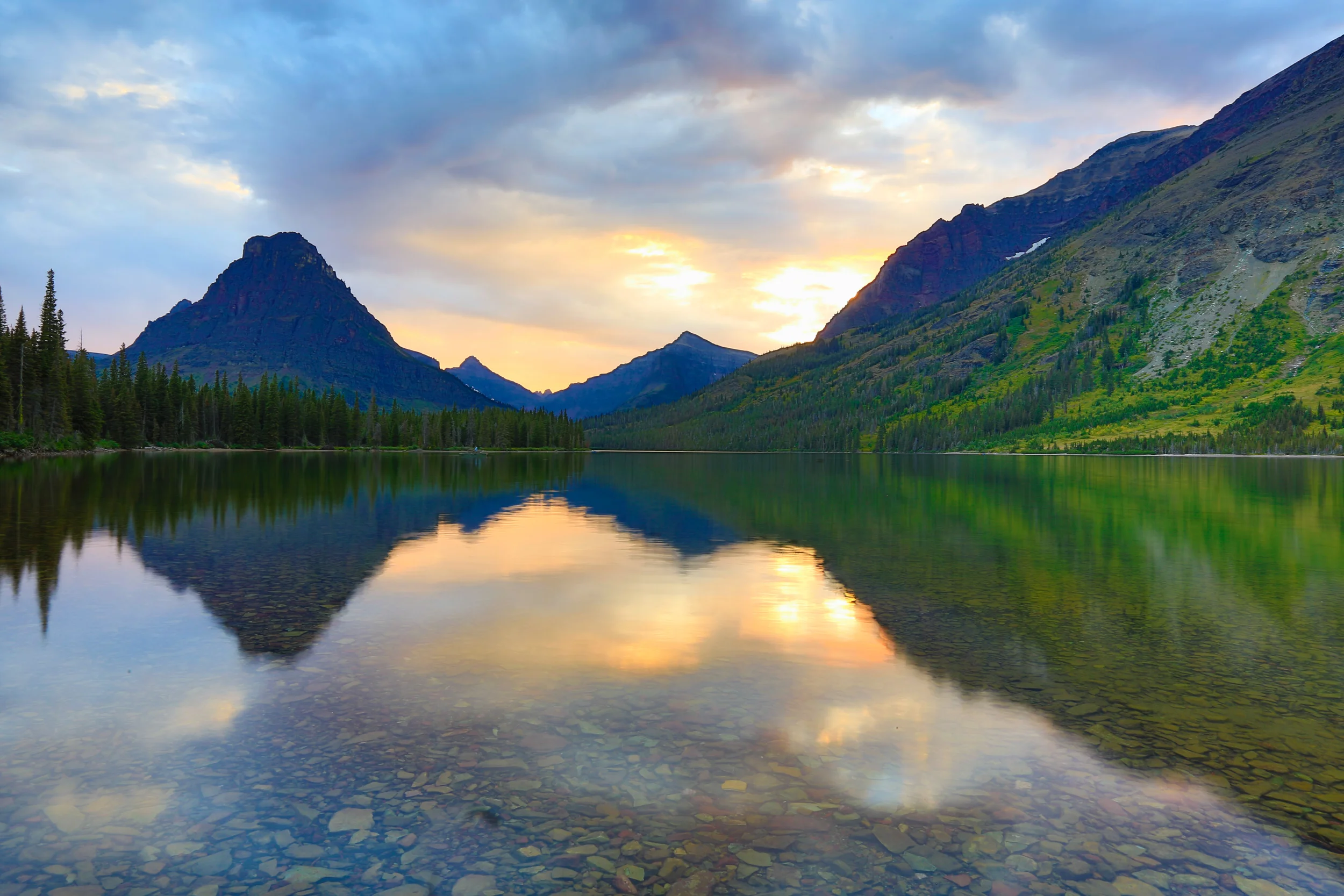
The first one with mountains a glowing sunset shows how HDR helps capture both the bright sky and darker mountain/valley details at once. Shadows don’t just turn into a black blob and the sky doesn’t blow out. It feels like the real eye-experience of being there.

The second one a valley or hillside landscape under dramatic sky uses contrast and color depth to make nature feel alive. You can almost sense the atmosphere the clouds, the light hitting the hills, the depth of the scene.

“HDR” stands for High Dynamic Range. In photography, dynamic range refers to the difference between the brightest and darkest parts of a scene the luminance range. In many real-world scenes think sunset landscapes, interiors with bright windows and dark shadows, or high-contrast architectural shots, the range of light is too large for a standard single exposure to faithfully record everything. Either the highlights get blown out or the shadows become crushed losing detail. This image impresses me because the shot was really nice, and it showed a whole landscape and lake.
When you take a photo using a digital camera, your camera records image data, which then needs to be stored on your memory card, your computer, and/or your external hard drives
Now, different file formats offer various benefits and drawbacks. Some formats are designed to compress image data so that you obtain a small image file, some are designed to save editing layers, and others are designed to be compatible across
JPEG stands for “Joint Photographic Experts Group,” and it’s probably the best known out of all the image file formats. The JPEG is what many cameras set as their default output, so if you’ve never adjusted your camera’s image quality options, it’s what you’re probably using.
HEIF image files are smaller than JPEGs yet offer similar or even increased quality. In other words, HEIF files take up less space than JPEGs, yet they look equally good. Therefore, the HEIF format offers a lightweight JPEG alternative that’s perfect for rapid image transfer and efficient storage.
TIFF stands for “Tagged Image File Format,” and it’s another file type that’s commonly used in the photography industry.
RAW files store all of the information originally captured by the camera – which means that adjustments to white balance, exposure, contrast, saturation, and sharpness can all be easily applied in image-editing software after the photo has been taken.
The DNG, or Digital Negative, was created by Adobe in an attempt to provide a standard RAW file that can be used by all manufacturers and cameras.
PNGs are compressed in a lossless format and therefore retain plenty of detail for viewing and editing. But unlike many other file formats, high-quality PNGs don’t require lots of storage space; this is useful on the internet because you want images to load quickly.
This makes PSDs ideal if you need to extensively manipulate your original photo in Photoshop. PSDs offer plenty of flexibility because layers can be added, removed, or edited at any time without affecting the original photo. And if you save an image as a PSD, you can always open it later and re-access editing layers.
The BMP is another lossless file format; it was invented by Microsoft, initially for use on the Windows platform. However, BMPs are now recognized by Mac programs, too.


What is Pop Art?
Pop Art is an art style that uses images from everyday life, like advertisements, comics, and popular culture. It is bold, colorful, and easy for people to recognize.
Why is this artist’s work considered Pop Art?
This artist’s work is considered Pop Art because they use bright colors, simple shapes, and images from popular culture. Their art looks like things people see in daily life, such as ads, products, or celebrities.
Describe some of this artist’s work.
Some of Andy Warhol’s work includes pictures of Campbell’s soup cans, Marilyn Monroe, and Coke bottles. He repeated the same image many times and used bright, eye-catching colors.
Why did you pick this artist and why do you like his/her work?
I picked this artist because their art is fun, colorful, and easy to understand. I like how the pictures are simple but still very creative. Their style makes everyday objects look interesting and exciting.
